What is ClickUp?
One workspace for the whole business
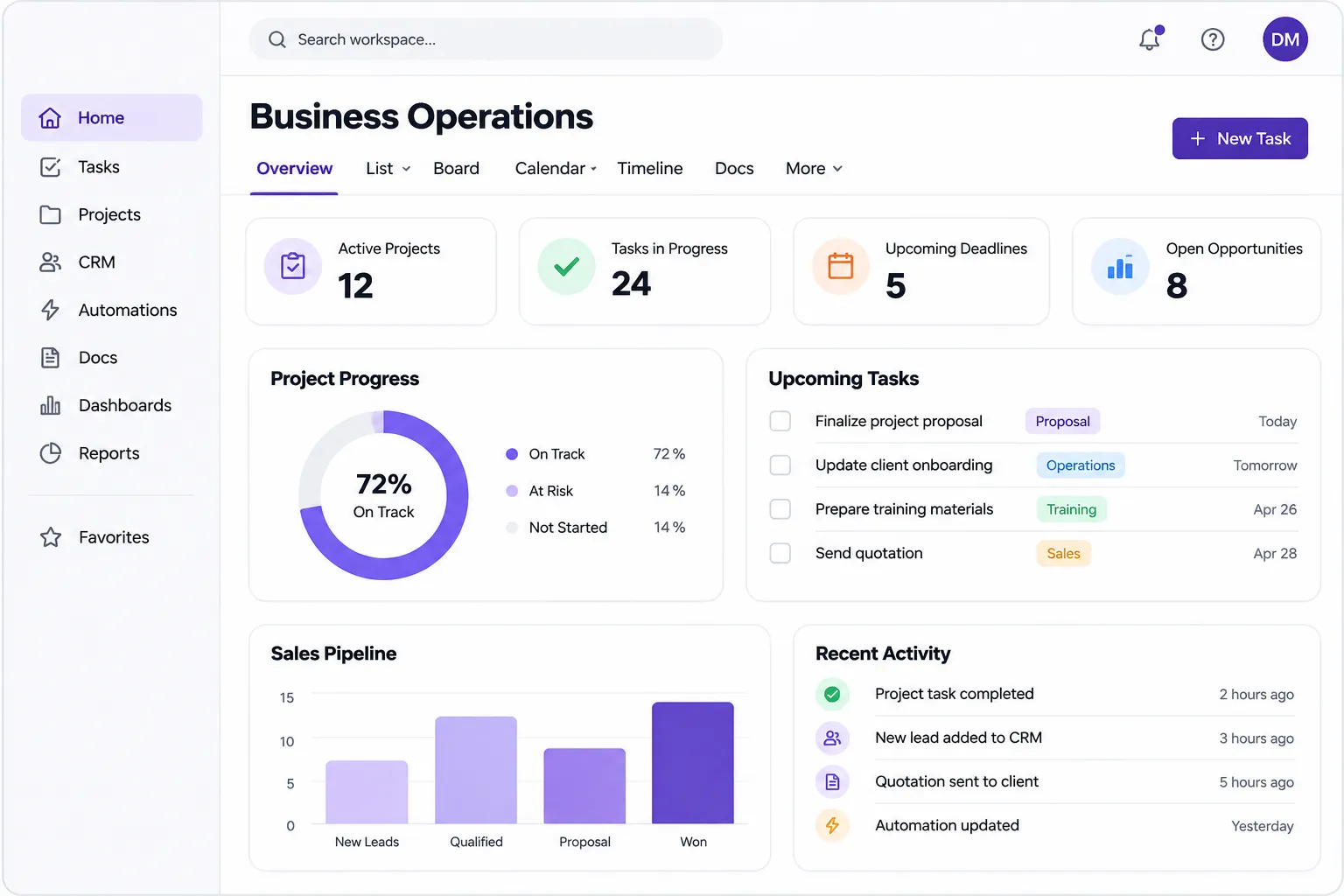
ClickUp is software where your team manages customers, tasks, projects, documents and reports together. This page explains what it does in plain business terms.
The simple version
Think of it as the shared place where work lives
Most small businesses run on a mix of spreadsheets, email, chat messages and memory. ClickUp pulls that into one system so everyone sees the same information and knows what to do next.
Without a shared system
- Details copied between tools
- Follow-ups left to memory
- Status answered by asking around
- Reports built by hand
With ClickUp, set up well
- One record for each customer and job
- Reminders and tasks created for you
- Live status anyone can open
- Dashboards that update themselves
How businesses use it
Six everyday jobs ClickUp can take on
Customers and sales
Track enquiries, quotes and follow-ups in a pipeline everyone can see.
Projects and tasks
Give every job an owner, a due date and a checklist.
Documents
Keep procedures and notes next to the work they belong to.
Automation
Let routine steps, like assigning a task or sending a message, happen by themselves.
Forms and intake
Turn a web form into a task, ready for the right person.
Dashboards
See workload, sales and progress without building spreadsheets.
Customer onboarding checklist
- Confirm scope and dates
- Collect documents
- Assign project owner
Work completed
Why implementation matters
Flexible is powerful, and also easy to get wrong
ClickUp can be arranged almost any way you like. That is why it suits so many different businesses, and also why a first attempt often ends up cluttered.
Professional implementation means someone designs the structure around how you work, builds it, tests it and trains your team. You start with a system that people understand, not a blank workspace.
See how our implementation worksExamples
What it looks like in different businesses
Tour operators
Bookings, guides, equipment and customer messages in one schedule.
Engineering companies
Jobs, documents, approvals and compliance records tied to each project.
Schools and training providers
Courses, enrolments, instructors and student follow-up.
Contractors
Quotes, site schedules, subcontractors and invoicing steps.
Restaurants and hospitality
Reservations, staff tasks, suppliers and events.
Frequently asked questions
About ClickUp, answered simply
No. Tasks are the foundation, but the same workspace can hold a sales pipeline, documents, forms, automations and dashboards, so you can run most of a business from one place.
Day to day, no. Your team opens a list, a board or a dashboard and works through what is assigned. The technical thinking happens once, when the system is designed and set up.
You can, and some businesses do. The common problem is a workspace built as you go, which grows confusing. We design the structure first so it stays clear as you grow.
Often it can replace several, and where it should not, we connect it to them so information stays in step.
Let's build a better way to work.
Tell us how your business runs today. We will tell you what could be simpler.
Book a Consultation